QR Code Badges: The Solution to Streamline Access and Boost Your Events
The QR code badge has become an essential tool for simplifying check-in and access control at your professional events.
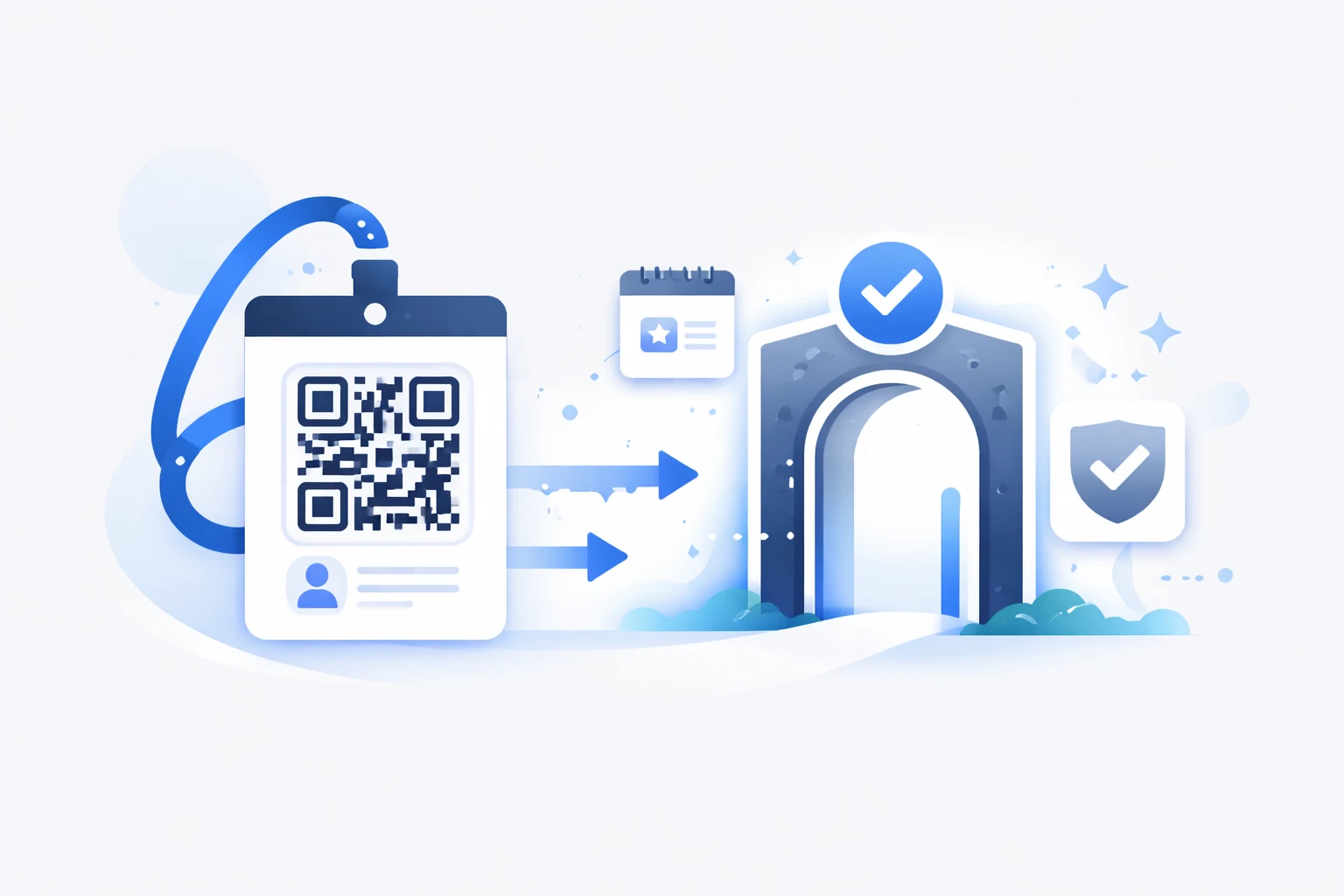
Thanks to its unique and secure code, it allows you to identify each participant with a simple scan, whether the badge is printed, sent via email, or downloaded to a smartphone.
This modern, fast, and responsible solution effectively replaces traditional badges while offering dynamic and measurable features.
Ready to explore what you can achieve with a QR code badge? 👇
What Is a QR Code Badge?
A QR code badge is an identification badge featuring a unique QR (Quick Response) code that provides quick access to online information.
This code can contain or point to essential participant details:
- First and last name,
- Company or organization,
- Access type (visitor, exhibitor, VIP, staff, press),
- Encrypted database identifier.
During access control, a scanner or smartphone reads the code, and the event system or ticketing software verifies the information and validates attendance.
The data can then be synchronized with your back-office or CRM for real-time attendance tracking, using your internal tools or integrations.
How Does It Work in Practice?
Participants receive their badge through your chosen channels (email, SMS, print) via your registration or ticketing tool.
Upon arrival, they present the QR code—either physically or on-screen—which is scanned by a check-in app or dedicated reader.
The reader automatically records their entry in the event or access control system, allowing real-time tracking of each participant’s presence.
Organizers can then access the available data in their tools: number of entries, attendance rates, peak times, supplemented by scan statistics from a dynamic QR generator like URLR.
QR code badges also integrate with hybrid environments: physical check-in, online sessions, access to digital content, or certificate distribution, all managed centrally within the event platform with dynamic QR links for flexibility.
Key Benefits of QR Code Badges
QR code badges offer numerous advantages for streamlining processes, enhancing participant experience, and gathering useful event insights. Here are a few reasons to convince you to use them 👇.
Time and Efficiency Gains
Each badge scan takes less than a second, significantly reducing queues and input errors during access control.
With compatible tools like self-service kiosks or scanning apps from your event provider, attendees can even check themselves in upon arrival.
The result: smoother entry flows, more available staff focused on engagement, and greater participant satisfaction from the very start of the event.
A Modern and Sustainable Image
Digitizing badges also enhances your brand by eliminating plastic prints and reducing waste from physical materials.
You offer a "frictionless" experience where badges can be displayed on smartphones while maintaining a professional appearance.
QR codes can also link to tickets or passes compatible with Apple Wallet or Google Wallet, depending on your event or ticketing solution’s features.
Security and Reliability
Each QR code can be unique, and when it points to a short web address, it benefits from the chosen platform’s security mechanisms.
Professional solutions like URLR use secure short links (HTTPS with server-side redirects) to minimize tampering risks and maintain control over the destination.
By combining a dynamic QR with an access control tool, you can set your own validation rules (ticket status, access rights, schedules) directly within your event platform.
Real-Time Tracking
Unlike traditional badges, QR code badges generate actionable data on attendance and participant engagement.
Depending on the tools you use, you can track entry numbers, participation rates, most-viewed sessions or content, and peak attendance times.
Metrics from your event platform can be supplemented with statistics from a service like URLR (clicks, devices, location, time slots) to refine your post-event reporting.
Flexibility of Use
QR code badges work on paper, digital, or mobile formats, adapting to all types of audiences.
A dynamic QR code can redirect to another web address without being replaced, making it ideal for last-minute program changes, registration pages, or shared resources.
How to Create a QR Code Badge: Essential Steps
To get the most out of a QR code badge, follow these tips for creation.
Step 1 – Choose the Right Tool
While a free generator produces a limited static QR code, a professional solution like URLR QR Codes offers much more flexibility and control.
You benefit from creating dynamic, customizable QR codes, modifying web addresses at any time, and tracking scans in a dedicated dashboard.
Step 2 – Import Your Participants
Participant information is typically managed in your event solution, registration tool, or CRM via list imports or automated flows.
For each participant, you can generate a unique web address (registration page, personal space, ticket) and create a dynamic URLR QR code pointing to that link to maintain control over the destination and scan statistics.
Step 3 – Customize the Design
A badge should reflect your identity, and that includes a QR code that seamlessly integrates into your brand guidelines.
With URLR, you can:
- Insert your logo in the center of the QR code,
- Apply your hexadecimal colors,
- Adjust contrast for instant readability,
- Export creations in high resolution (PNG, SVG, WebP).
Participants immediately perceive the quality of the material, reinforcing your event’s credibility and professionalism.
Step 4 – Test Your QR Codes
Before the event, test your QR codes on multiple devices (iOS, Android, optical scanners) and under different lighting conditions.
A comprehensive test ensures proper redirection, fast loading, and correct content display across all formats.
With URLR, you can preview redirects in one click and correct a campaign’s web address without recreating the badges, securing last-minute adjustments.
Step 5 – Distribute the Badges
Badges can be distributed on paper for a tangible, visible result or digitally for instant and eco-friendly delivery.
In both cases, dynamic QR codes generated via URLR automatically record scans and provide real-time tracking.
You can then cross-reference this scan data with attendance records from your event tool for a more complete overview.
Simplify access to your events with smart QR code badges
Generate customized badges, track entries in real time, and optimize your event organization with secure, traceable QR codes.
Create my QR codes
Customization and Design: Visual Impact Matters
A well-designed QR code enhances brand recognition and improves scan rates on printed or digital materials.
Beyond being a control tool, it becomes a graphic symbol that draws attention and encourages action.
Optimal Readability
To ensure readability, use a minimum size of about 2 x 2 cm, or 2.5 cm if the code contains a lot of information.
Strong contrast with a light background and dark patterns, along with a white border around the QR code, greatly facilitates device scanning.
Graphic Integration
With URLR, you can customize QR codes to match your brand colors with various styles tailored to your image.
For example, you can choose a sleek, square design with a discreet logo, an event-style design with bright colors and a frame, or a premium look with rounded patterns and gradients.
Call-to-action or not? We tested adding a clear call-to-action near the QR code to measure its impact on scan rates. The result: these few words can significantly increase scan rates.
Advanced Features for Connected Events
A QR code badge reaches its full potential when connected to your other tools (platform, CRM, forms, digital content).
Real-Time Access Control and Validation
Each scan can be recorded by your tools (check-in app, ticketing system, CRM) to update the participant’s status.
URLR provides the redirection and scan tracking layer, while access validation and status management remain handled by your event platform or business application.
On-Demand Printing
Self-service kiosks or your provider’s check-in stations can print badges directly on-site.
QR codes used on these badges can be added via URLR, allowing you to maintain dynamic, modifiable, and trackable URLs, even for last-minute prints.
Smart Networking
A badge can include a QR code that links to a hosted vCard, a mini-profile page, or a contact form that you configure yourself.
URLR acts as a short link and dynamic QR layer for these elements, with scan statistics to identify the most frequent interactions.
Lead Collection and Marketing Tracking
At a booth, each scan of a QR code added with URLR can be considered a touchpoint to integrate into your marketing workflows.
The platform records scans (total number, devices, time distribution) and allows data export to match with your CRM or marketing automation tools.
Connections with tools like HubSpot, Pipedrive, or Mailchimp can be made via API, Zapier, Make, or custom scripts to turn these scans into qualified leads.
Automated Integrations
URLR QR codes point to web addresses from your tools: Eventmaker or Eventbrite pages, registration pages, forms, or content tracked in Google Analytics.
Each scan becomes a measurable action in your analytics solutions, while maintaining a centralized link and QR management layer in URLR.
How to Analyze Your Performance?
Analyzing scans helps you understand how participants interact with your materials and content throughout the event.
What Data to Collect?
You can track the timestamp of each scan, approximate location, device type, total and unique scan counts, and the page reached afterward.
URLR aggregates this data in a clear dashboard to visualize scan trends, device or geographic distribution, and identify activity peaks around your campaigns.
How to Interpret the Results?
This data allows you to compare high and low attendance periods and identify the most effective materials.
You can also correlate scans with conversions measured in your analytics or CRM tools to better estimate the ROI of your actions.
For example, a scan peak on a QR code at a conference entrance can be linked to a specific commercial offer or communication.
Export and Reporting
Data collected by URLR can be exported (e.g., in CSV format or via API) and combined with your analytics or event management platform data.
This is ideal for providing a quantified report to your partners or sponsors on digital material attendance and generated engagement.
Security and GDPR Compliance
Data security and GDPR compliance are key considerations when using QR codes in an event context.
Dynamic and Secure QR Codes
URLR QR codes rely on short web addresses protected by HTTPS encryption, securing the request transmission between the user and the server.
No personal data is directly visible in the QR code—only the shortened URL is exposed, limiting the risk of clear data leaks.
The organizer retains control to deactivate a short URL, modify the destination in case of error, or adjust a QR code’s usage duration according to internal processes.
Anti-Fraud and Integrity Control
Anti-fraud features such as single validation, duplicate rejection, or status checks are managed within your ticketing or check-in system.
By using secure dynamic QR codes, you have a solid technical foundation to build your own access and integrity control rules.
GDPR Compliance
URLR emphasizes data hosting in France and a GDPR-compliant approach for URL and QR code tracking.
Commercial use of data remains the organizer’s responsibility, who must ensure necessary consents are obtained in their registration, CRM, and marketing tools.
By combining dynamic QR codes with responsible data collection practices, you can offer a seamless experience while respecting participants’ privacy.
Streamline participant check-in today
Digitize your badges, speed up access control, and collect key data to drive your events' success.
Create my QR codes
Real-World Use Cases
QR code badges adapt to a wide variety of event formats, from B2B conferences to internal seminars. Here’s how 👇.
Conferences & Congresses
Goal: Ensure smooth check-in, track sessions, and provide complementary materials to participants.
Dynamic QR codes can link to agendas, replays, feedback forms, and additional resources, with the ability to update links after the event.
Trade Shows
Goal: Collect leads and analyze marketing flows around booths and printed materials.
QR codes placed on booths, banners, or brochures—added with URLR—provide centralized scan statistics that can be exported to your CRM or marketing automation tools.
Festivals & Concerts
Goal: Simplify access to practical information and post-event redirection.
QR codes link to programs, maps, or instructions, then can be redirected after the event to a thank-you page, offers, or your social media.
Seminars & Internal Events
Goal: Manage access to internal documents and resources smoothly and securely.
QR codes point to dynamic pages, digital questionnaires, or HR resources, easily modifiable without reprinting materials.
Training & Workshops
Goal: Simplify electronic attendance tracking and access to educational materials.
QR codes link to online attendance sheets, questionnaires, or course materials hosted in your own tools.
Best Practices from Our Marketing Experts
A few best practices can secure your QR code campaigns and maximize engagement.
- Test codes on multiple devices and from different angles.
- Avoid dark backgrounds or complex patterns under the QR code.
- Train your check-in staff on mobile scanning.
- Have an offline backup plan—you never know.
- Quickly leverage collected data (scan peaks, high-performing channels, ROI).
Conclusion: Simplify, Secure, and Measure with URLR
A QR code badge is much more than a check-in tool—it’s the digital heart of your event, at the crossroads of check-in, information, and marketing.
It ensures fluidity, professionalism, and transparency while providing valuable tracking for your marketing teams and partners.
With URLR, you have a robust solution to create dynamic QR codes, customize them to your brand, track scans, secure your URLs, and integrate them with your event, CRM, and analytics tools.
You turn every scan into the starting point of a seamless, connected, and measurable experience—without relying on a single ticketing or participant management tool.