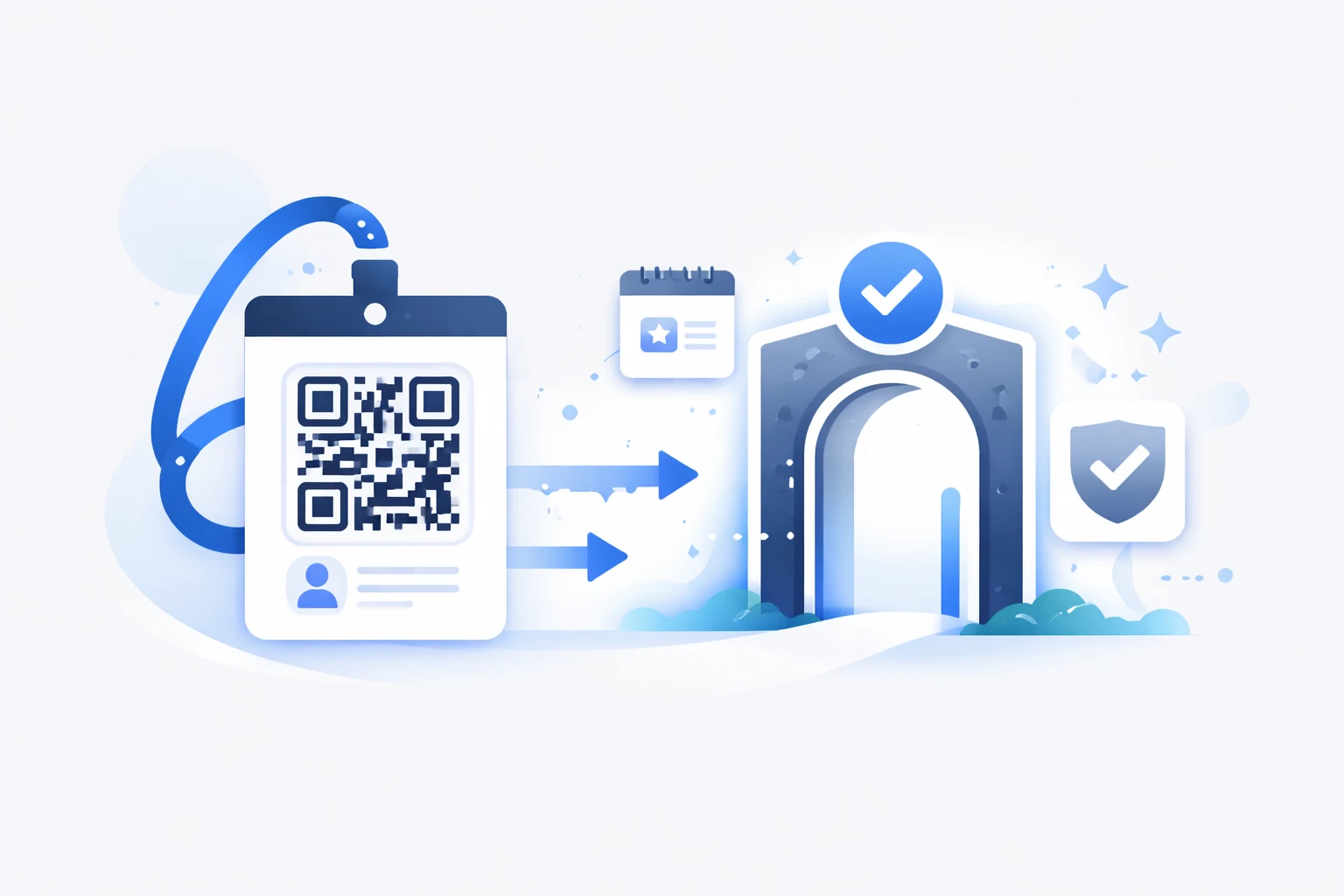
Wondering how to easily increase the number of Google reviews for your business? A dedicated Google review QR code is a simple and effective solution that streamlines the process for your customers. Instead of laboriously searching for your profile to leave a review, a quick scan with their smartphone takes them directly to your ratings page. The QR code is one of the best ways to gather authentic feedback from your customers—something you can no longer afford to overlook if you want to strengthen your e-reputation and boost your local visibility.
In this article, discover how to create, customize, and distribute your Google review QR code to fully leverage this now-essential digital tool.
What is a Google review QR code?
You’ve likely seen those small black-and-white squares on various materials before—those are QR codes. For Google reviews, they act as a clever shortcut that takes your customers directly to your review page, eliminating the need for a complicated and time-consuming search that might cause them to abandon the process. A simple, quick action that can make all the difference.
Your Google reviews are part of your digital identity. They boost your visibility, build trust with potential customers, and improve your local SEO. Not collecting them means missing out on a major growth opportunity. Let’s explore how to gather customer reviews using a QR code.
How to get the direct link to leave a Google review?
This link is where it all starts—it’s essential. Here’s how to obtain it.
Via your Google Business Profile
Simply go to the Google Business Profile manager, accessible from the menu in the top-right corner of any Google page. Click on the relevant business, and you’ll land on its profile. Click on "Ask for reviews," and you’ll find a special link to your review page. This will be the foundation of your QR code—keep it handy, as it’s valuable!
Google automatically generates a QR code in this section. You could use it, but we’ll explain why it’s better to opt for a third-party service.
The alternative via Google Search or Google Maps
Don’t have access to your account? Search for your business on Google or Maps and copy the link leading to the reviews tab. This link can easily be turned into a QR code.
Why use a QR code for Google reviews?
Do you think simply sharing the link is enough to collect reviews? Streamline your customers’ journey to encourage them to leave a rating. With a QR code, you’ll reach more customers.
Save time and simplify the customer experience
No need to search for the Google profile—the QR code takes them straight to the review page. We know that the more steps there are, the more opportunities customers have to drop off. Minimize these to avoid frustrating your clients. With a QR code, one scan, a few words, and a click on the submit button are all it takes to collect a review. You cut straight to the chase, eliminating unnecessary or time-consuming steps. This increases participation rates.
Boost your credibility and local SEO
Reviews directly influence your ranking on Google Maps and the search engine. The more reviews your customers leave, the more Google’s algorithm will favor you in rankings. Your reputation depends on the number of customers who have submitted a review. Don’t overlook this step—make it easy for them with a QR code.
Project a modern and innovative image
Using a QR code reflects a connected brand that’s attentive to its customers. You convey the image of a business that’s both accessible and tech-savvy, capable of integrating digital tools into even the simplest interactions. Major brands like IKEA or L’Oréal have been doing this for years: they’ve turned a simple code into a tool for engagement, information, and even product transparency. By adopting a creative and aesthetic use of QR codes, you reinforce your innovative, customer-centric, and experience-focused image.
How to generate and customize your QR code?
Once you have the link to the review form, you’ll need to turn it into a QR code. Here’s how to do it with URLR, the French, 100% GDPR-compliant solution for managing your short links and QR codes.
Create the visual with a QR code generator
Many free online tools allow you to create your QR code in a snap. Simply copy the review link, paste it into the QR code generator, and your code is ready to use. Quick and effective—but you’ll end up with a very basic visual, without advanced features. Nothing more than what Google already offers. So, let’s see how to go further.
Customize your QR code and make it dynamic
To draw attention to your QR code and encourage customers to scan it, nothing beats a visually appealing design. Add your brand’s colors and integrate your logo in the center, for example. This step is easy to achieve with URLR’s QR code creation tool. What’s the added value? You can make your QR code dynamic, meaning it’s automatically linked to a short URL. This gives you access to scan statistics and the ability to change the link behind the QR code—something Google’s automatically generated QR code on your business profile doesn’t offer.
Easily collect Google reviews from your customers
Create a customized QR code to encourage clients to leave a review and track feedback in real time to improve your online reputation.
Generate my Google review QR code
How to distribute your QR code?
You have a QR code in your brand’s colors? Now, optimize its distribution to collect as many Google reviews as possible.
Physical media (posters, flyers, receipts)
Print your QR code on visible materials like posters, flyers, or receipts. The more it’s seen, the more it will be used. Place it in areas where customers have time to spare: waiting areas, relaxation spaces, or booths at trade shows.
Digital media (website, email)
Also integrate your QR code into your emails or on your website. A quick click, a scan, and your customers are already writing a Google review for your business.
Strategic locations in-store
In a restaurant, on a table or at the checkout: to maximize responses, adapt the placement of your QR code to your customers’ natural journey.
Expert marketing tips to maximize collected reviews
You’ve placed your QR code in various locations, but you’re not collecting as many Google reviews as you’d like? Here’s how to encourage your customers.
Politely ask customers in person
A well-timed, polite request always works. Train your staff to encourage QR code scans and Google review submissions at the right moment, with a smile and without being pushy.
Wondering when the best time is to have a QR code scanned? It could be right after a positive experience, when the customer has just received a service or product that visibly satisfies them.
Also consider the moment of payment or checkout, when the customer is still on-site and the interaction is friendly.
After resolving an issue, when a situation has been handled well, the customer will appreciate your responsiveness and be more inclined to leave a review by scanning the QR code.
Have you identified a recurring order or subscription? A loyal customer often appreciates being asked to share their experience. One QR code scan, and it’s done.
Explain the importance of reviews for your business
Tell your customers that their feedback helps improve service quality and grow the community. This transparency helps build a real connection with them. Customers always appreciate seeing that their evaluation is taken into account. Take the time to respond to reviews, whether positive or negative. It shows your commitment to customer satisfaction.
Offer incentives or rewards... really?
Do you think a small gift or discount could boost motivation? Be careful to stay transparent... Google’s guidelines are very clear: it’s prohibited to offer advantages in exchange for reviews, requests to modify or delete reviews. We strongly advise against this approach with your customers, as it could lead to your business profile being blocked.
Alternatives and complementary methods for collecting Google reviews
Email and SMS surveys
QR codes are great, but they’re just one channel. Email and SMS are excellent complements to reach customers directly after their visit. You can automate the sending of these campaigns after a purchase, for example.
Specialized review management tools
Solutions exist to centralize and streamline the collection, monitoring, and distribution of reviews. These applications comply with Google’s rules, so you can use them with confidence.
In conclusion...
A high number of positive reviews is a strong signal for prospects looking for trust indicators. Displaying them improves your local SEO and increases your customer base—a true win-win strategy. To collect them more easily, the QR code remains one of the best methods because it greatly simplifies the process.
To generate attractive QR codes that encourage your customers to scan them, customize them with URLR and track your statistics directly in your dashboard.