QR Codes for Your Events: Our Complete Guide
Are you overseeing event organization for your company? You're likely looking for ways to streamline the management of your seminars, conventions, or product launch parties. Discover how to simplify event coordination with a QR code. Our marketing experts have designed this comprehensive guide to help you fully leverage the potential of these small square barcodes. Explore all the possibilities QR codes offer. ⤵️
What Is an Event QR Code?
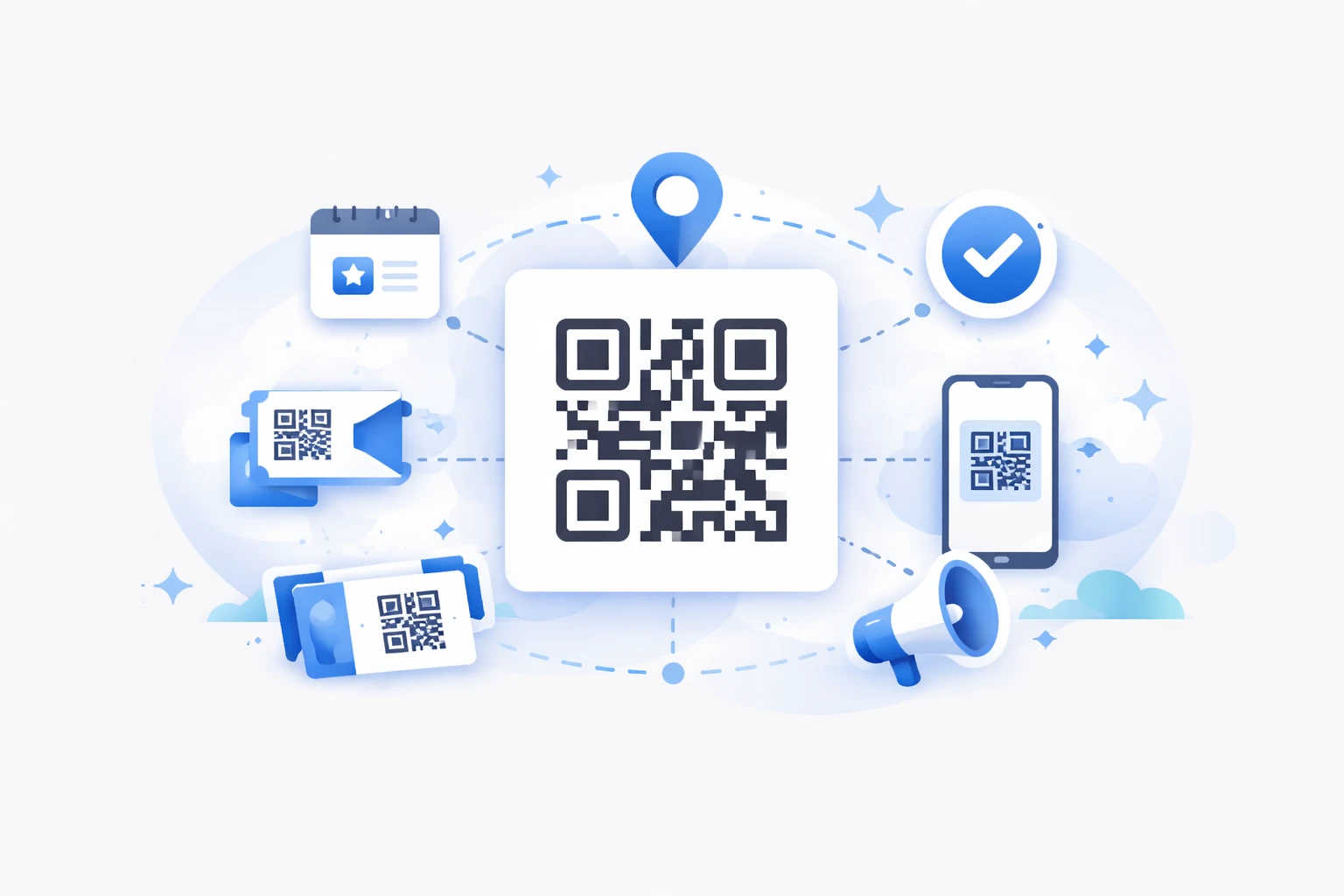
An event QR code is a digital visual code that simplifies information sharing and attendee management during an event. This coded square (QR stands for "quick response") contains a link instantly accessible via a smartphone, making registration, access, or content sharing related to your corporate event easier.
Why Use a QR Code for Your Event?
Using a QR code for your event offers several key advantages that streamline both organization and attendee experience. Here’s an overview of all their benefits!
Simplified Registration and Check-In
QR codes enable smooth entry. They significantly speed up attendee registration by replacing lengthy paper lists with a simple scan. By integrating them into your processes, you eliminate queues and reduce attendee impatience. Additionally, the risk of errors during attendance validation is minimized with QR codes, as data is processed automatically and in real time. This speed improves the welcome experience and attendee satisfaction from the first minutes of the event.
Enhanced Attendee Experience
With a QR code, your guests instantly access all essential information: full program, venue map, speaker bios, multimedia content, or downloadable documents. Attendees become autonomous, can navigate the event easily, and fully enjoy every moment. The QR code can also serve as a gateway to real-time interactions, such as polls, quizzes, or contact exchanges, making the experience more interactive and personalized.
Time Savings and Optimized Management
With dynamic QR codes, you can modify the links associated with your codes without reprinting materials like badges, flyers, or invitations. This flexibility avoids additional costs and allows you to correct or adapt information on the fly. Moreover, organizers benefit from precise scan tracking for a clear view of entry numbers, high-traffic areas, and interest in different sessions. This real-time analysis enables faster decision-making to streamline movement or direct attendees to specific areas.
In summary, event QR codes become a lever for logistical performance, attendee engagement, and event enhancement. They combine ease of use, efficiency gains, and the ability to enrich the relationship with your audience while reducing costs associated with physical materials.
For all these reasons, QR codes have become a standard for improving the organization and overall experience of professional gatherings.
How to Create a QR Code for an Event?
Convinced? Ready to create your QR codes? Follow our step-by-step guide to unlock their full potential.
Step-by-Step Guide to Generating a QR Code
Start by creating a QR code from a short link using a specialized platform like URLR. Simply enter the URL leading to your event registration or information page into the tool to get a ready-to-use QR code. Opt for a tool that offers dynamic codes to maintain control over their management after printing.
Customize Your Codes (Logo, Colors, Data)
After generating your QR code, personalize it with your logo or brand colors. This step enhances visual recognition and the code’s appeal in your campaigns, invitations, or communication materials. Not all QR code generators allow you to modify patterns or add a frame or call-to-action to match your brand identity. URLR offers this feature starting with the first Starter plan.
Test and Download
Before any distribution, systematically test the QR code on multiple devices (iOS, Android) to ensure it works properly and the redirection is readable. Then, download it in the format suited to your use: PNG or JPG for digital, SVG for high-definition printing. Your QR code is now ready to be added to your invitations, posters, badges, or digital materials.
Practical Applications of QR Codes in Event Planning
You already have an idea of how to use QR codes for your events, but here are all the use cases we’ve encountered with our various clients.
Entry Badges and Quick Verification
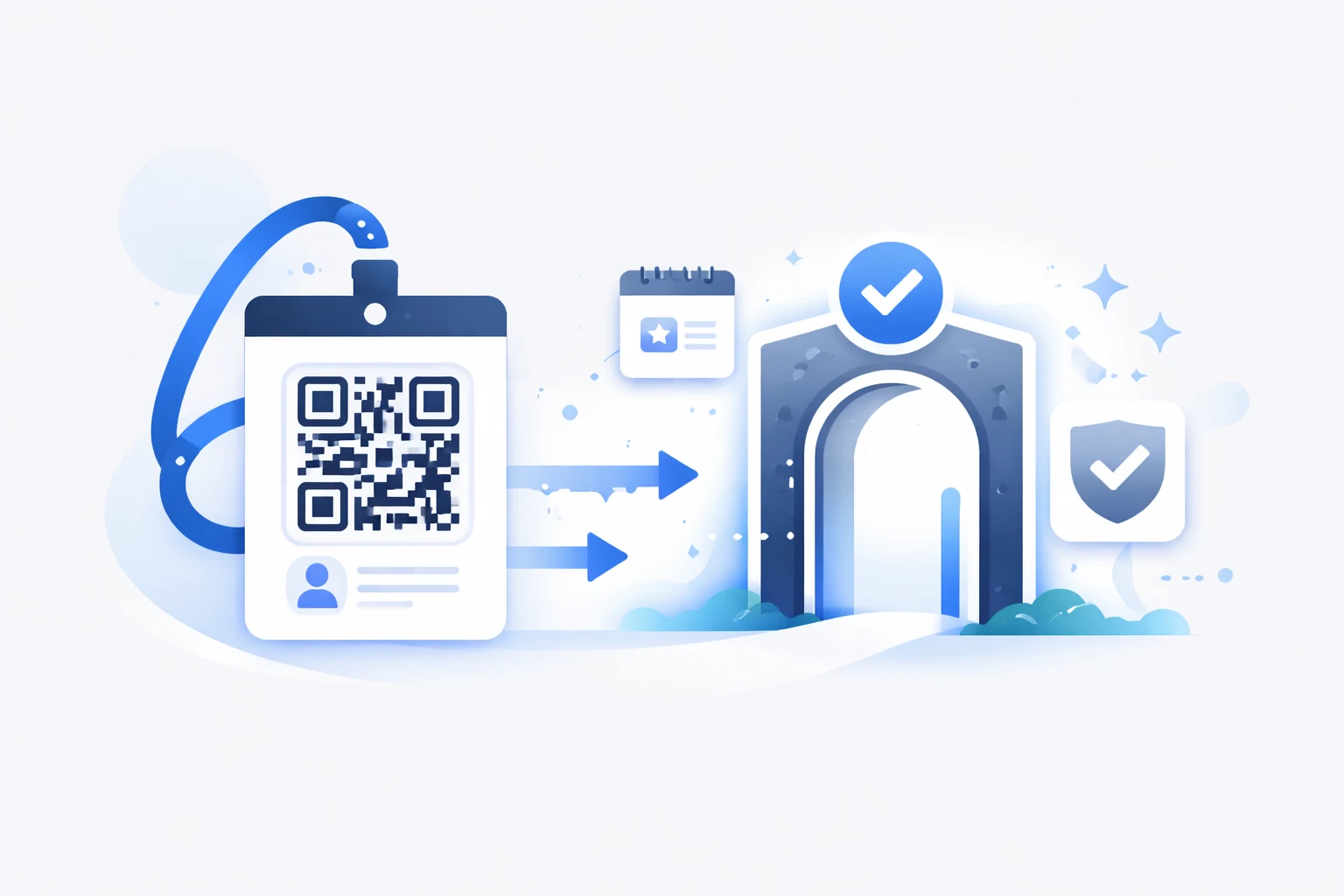
Integrate a unique QR code on attendee badges for fast and secure access control. With instant code scanning, check-in takes just a few seconds, significantly reducing queues and the workload for reception staff. As mentioned earlier, this technology enhances entry flow and allows scanning hundreds of codes per hour, optimizing attendee tracking within the event.
Integration into Invitations and Emails
Simplify registrations and communication by including a clickable QR code in your digital invitations and email campaigns. This code redirects directly to the registration, participation, or event program page, reducing friction for your guests. The digital QR code makes mobile access easier and encourages higher response rates and better interaction during the event preparation phase.
Real-Time Data Collection and Engagement
Instantly track the number of scans of your QR codes to analyze attendance and interest in different sessions or areas. These statistics allow you to adapt the organization on the spot, such as redirecting attendees to less crowded workshops or promoting specific content. Automatic participation data collection also simplifies post-event follow-up, improves satisfaction, and provides valuable insights for optimizing future editions.
Best Practices from Our Experts for Your Event QR Codes
Mobile-Friendly and Responsive Design
Ensure your QR codes redirect to pages optimized for all types of mobile devices, including smartphones and tablets. A seamless experience is essential, as most scans are done via mobile. If the linked page loads slowly or isn’t adapted, attendees may abandon it before accessing the desired content. Use QR code tools that provide short, fast, and responsive links to guarantee instant and effective access.
Strategic Placement on Physical and Digital Media
Place your QR codes in visible and relevant locations: on attendee badges, posters, and banners at entrances and high-traffic areas, in email invitations, and on flyers distributed on-site. The goal is for the QR code to be easily accessible at the right time without attendees having to search for it. Good placement can significantly increase scan rates and audience engagement. Don’t hesitate to accompany the code with a clear and compelling call-to-action.
Security and Data Encryption
To protect your events and attendee data, it’s important to secure access to links connected to QR codes. Use features like password protection, temporary links, or automatic code expiration. Data encryption and strict access management also prevent fraud or unauthorized use. These precautions build attendee trust and ensure compliance with data protection regulations.
Deliver a seamless and connected attendee experience
Centralize information, simplify access, and engage your attendees with dynamic QR codes tailored to every stage of your event.
Create my event QR codes
FAQ on Using QR Codes for Events
How Do I Create an Invitation with a QR Code?
To create an invitation with a QR code, first generate the QR code that leads to a page containing all essential event details (date, location, registration link, etc.). Use a QR code generator like URLR to create this code. You can then add it to your paper or digital invitations so guests can easily scan it and access the details or form directly. This simplifies response management and modernizes your event communication.
How Do I Create a Dynamic QR Code?
A dynamic QR code is one whose destination can be changed after creation. To create one, follow these steps:
- Choose a dynamic QR code generator like URLR,
- Enter the data (URL, document, form) you want to link,
- Create the code,
- Customize it with your logo and colors to match your brand,
- Download it and test it on different devices.
The main advantage is that you can change the QR code’s destination without redistributing a new code, directly via the platform.
How Do I Create a Custom QR Code?
To create a custom QR code, use a generator that allows you to modify colors, add a logo, change pixel shapes, and even integrate a frame with a call-to-action. Tools like URLR are suitable for this purpose. You can choose colors that match your brand guidelines, add your logo in the center, and optimize the design for readability and appeal. Once satisfied, download the QR code in the appropriate format (PNG, SVG, etc.).
What Is the Cost of a QR Code?
Technically, generating a static QR code can be completely free via many online tools, including URLR, which offers a QR code generator. However, to access advanced features like deep customization, dynamic QR codes, performance tracking, or centralized management via a platform, paid subscriptions are usually required. Prices typically range from a few euros per month to more comprehensive plans tailored for businesses. For example, URLR offers a full suite of smart QR codes with customization and analytics, often more cost-effective and powerful than standalone solutions.
How Do I Create an Invitation with a QR Code?
Creating an invitation with a QR code involves generating a code that redirects to a page containing all event details: date, location, program, registration form, etc. You can use URLR to generate it, integrate the QR code into a paper or digital invitation, and thus facilitate attendee tracking. The advantage is providing guests with instant access to information without errors, along with an easy way to confirm their attendance.
Conclusion: On the Path to Successful Events with QR Codes
QR codes have become a true ally in simplifying and energizing the organization of your corporate events. Whether to streamline registrations, speed up check-in, offer a rich experience to attendees, or optimize real-time management, these small coded squares add real value. Their ease of use and powerful customization make them indispensable, especially with tools like URLR that offer flexible and intelligent management.
So, why not adopt QR codes for your next events? They’ll save you hours, help you engage attendees more effectively, and modernize your communication. Just one scan, and you’re done! 🚀
Don’t wait any longer—start creating your custom QR codes, test them, and integrate them wherever your attendees expect them. Your event will be smoother, more professional, and memorable.