You know the saying: you never get a second chance to make a good first impression. The success of that first contact is decided in just a few seconds. And in that time, a traditional paper business card struggles to keep up. You need to stand out from your competitors in those critical moments—the famous "little something extra."
That’s where a QR code can help. Scanning a business card has become an unspoken expectation among professionals. Discover how this small square turns a static object into a dynamic gateway to your digital universe, where every interaction counts.
What Do We Mean by a QR Code on a Business Card?
You’ve held a classic business card before: name, company, email, phone number… It contains all the essential details of a professional. You willingly exchange them at events, hand one to a prospect showing interest in your product or service, or display them at your booth during a trade show. So, what role does a QR code play here?
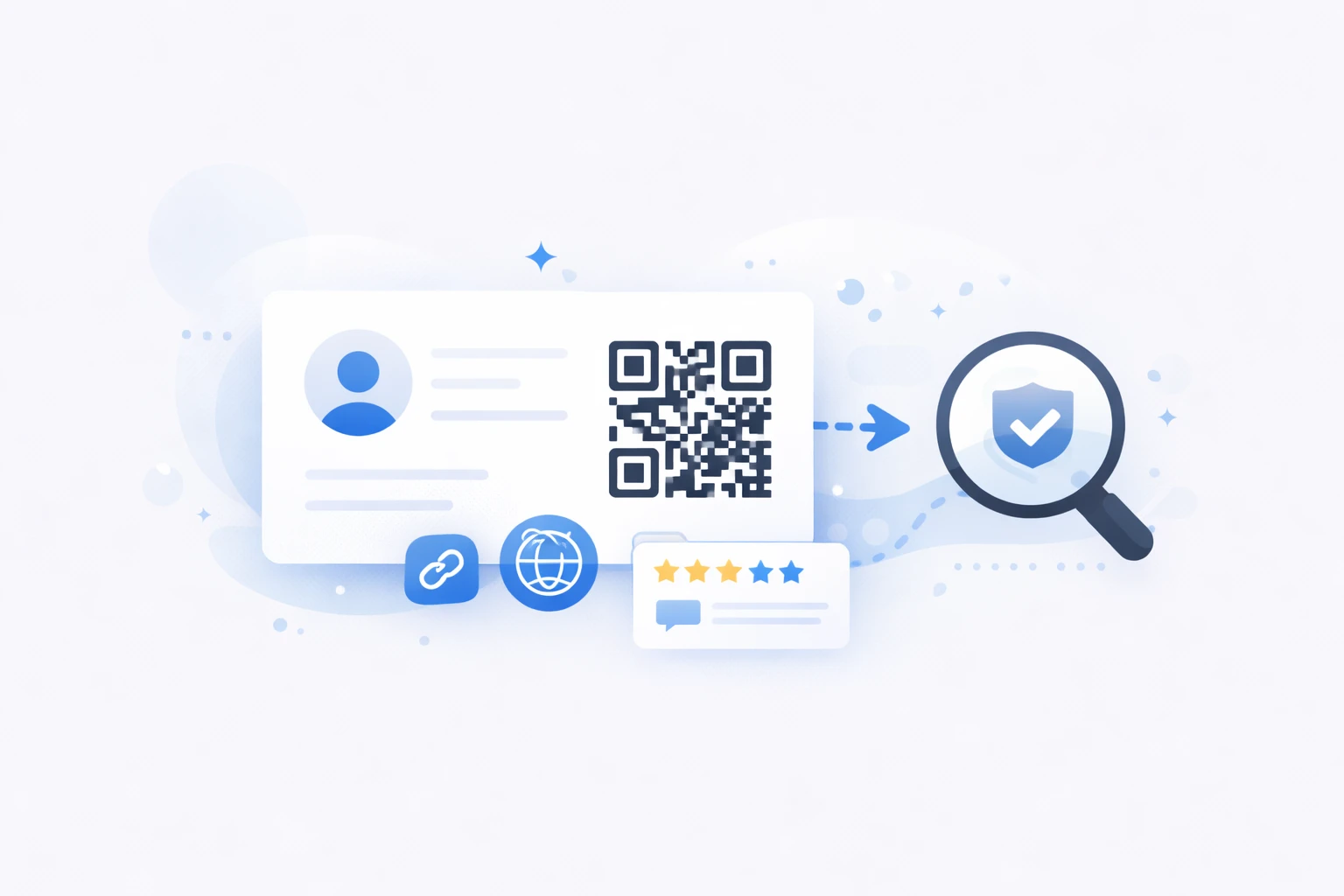
A QR code extends that business card into the digital world. This small, strategically placed graphic square acts as an instant shortcut to your information—a website, a LinkedIn profile, or even a full portfolio. With a simple scan, your contact accesses your content without manually entering your details. The QR code transforms your business card into an interactive bridge, both practical and modern, simplifying contact and enhancing your professional image.
The 4 Key Benefits of Creating a Business Card with a QR Code
The QR code revolutionizes the traditional business card by adding a new digital dimension. It’s no longer just about handing over a cardboard card—it’s about offering an effective tool to streamline contact, showcase your expertise, and track engagement within your network. Explore the concrete benefits of integrating a QR code into your professional card.
Share Your Contact Details Instantly
A QR code on your business card eliminates manual entry constraints. No more typing errors! With a single scan, your information appears—or is even saved—directly in your contact’s phone. This feature significantly reduces errors and oversights while speeding up the creation of new professional connections. No more lost or discarded cards: one gesture is all it takes to establish a strong and lasting connection.
Your Portfolio at Their Fingertips
With a QR code, you can instantly grant access to your work, references, or key materials. Whether you’re in graphic design, consulting, hospitality, or event planning, it directs people to a website, photo gallery, digital menu, or interactive resume. This direct link reinforces the credibility of your expertise. You highlight your strengths to every prospect.
Strengthen Your Brand Image
A well-designed business card with a QR code (thoughtful design, colors, logo, call-to-action) demonstrates your mastery of current technologies and attention to detail. It sends a strong message about your professionalism and ability to stay at the cutting edge of innovation. This small graphic detail has a real impact on how prospects, partners, and clients perceive your brand.
Measurable Data
Unlike traditional paper cards, dynamic QR codes provide valuable insights into how your card is used. You can track the number of scans, analyze engagement rates, and even adjust the linked content in real time. This ability to measure the effectiveness of your interactions gives you a strategic advantage for optimizing your networking.
How to Easily Generate a Business Card with a QR Code?
Creating a business card with a professional QR code no longer requires technical skills. In just a few minutes, you can generate a customized QR code, style it to match your brand, and integrate it into your printed material.
To do this, simply use a dedicated tool like URLR.me. Our GDPR-compliant French platform allows you to create dynamic QR codes that are trackable and fully customizable. With it, you can:
- Generate a QR code redirecting to your website, LinkedIn profile, or contact page,
- Add your logo and brand colors for a result that perfectly aligns with your visual identity,
- Modify the link destination without reprinting your cards,
- Track the number of scans and measure your network’s engagement.
By combining design, data, and flexibility, you transform a classic business card into a digital communication tool.
Best Practices: How to Properly Integrate a QR Code on Your Business Card
Simply adding a QR code to your business card isn’t enough—you need to optimize it to fully serve its purpose. Here are some best practices based on our professional experience and that of our clients.
Make It Easy to Scan
- Minimum size of 2 x 2 cm on the card to ensure readability
- High contrast: light background, dark code. Avoid reversed colors or overly pastel shades
- White space around the edges (margin) so the scanner can clearly detect the borders
Guide the User
- Add a clear call-to-action about the content: “Scan to save my contact details” or “Discover my portfolio.”
- Specify the immediate benefit: “Save time” or “Instant access to my website.”
Customize It to Match Your Brand
- Integrate your logo at the center of the QR code for brand recognition.
- Use your brand’s color palette for a cohesive look.
Test Before Printing
- Scan the code with multiple devices (iPhone, Android) and different apps.
- Verify that the destination page is mobile-optimized and loads quickly.
QR Code Use Cases on a Business Card: Get Inspired by Other Professionals
Here are some examples of how our clients and others are using QR codes. Draw inspiration from them to create your own "wow" effect.
Redirect to a Complete Contact Page
A business card with a QR code can lead to an enriched contact page, far more practical than a simple email address. With one scan, your contact accesses all your links: website, LinkedIn profile, appointment calendar, or even a personalized welcome message. It’s a smooth and modern way to encourage action from the very first meeting. An ideal option for consultants, salespeople, or executives looking to simplify contact.
Enable Automatic Contact Saving
A QR code can also contain a vCard, meaning a contact file that can be saved directly to a phone. With one click, all your details are stored—no typing errors, no lost cards. And if you use a dynamic QR code, you can even update your information without reprinting. A real time-saver for anyone whose details change regularly.
Showcase Your Work or Universe
Graphic designers, architects, photographers, restaurateurs, coaches, consultants: the QR code becomes your mini showcase. It directs straight to your portfolio, a presentation video, or a gallery of your work. In one second, your contact visualizes your expertise. This type of use creates an immediate and differentiating memorability: people remember not just your name, but also—and especially—what you do.
Measure Your Network’s Impact
With dynamic QR codes, it’s possible to track scans of your business cards: when, where, and how often they’re used. You can identify the most impactful events or moments and adjust your content accordingly. A valuable tool for marketing, sales, or communications professionals who want to manage their network like a true digital campaign.
Offer a Personalized Card for Each Employee
Some companies go even further: they create an interactive version for each employee while maintaining brand consistency. Each QR code leads to a personalized page (photo, role, direct contact details) under the same company domain. An elegant solution to combine a controlled brand image with personalized human connections.
Add a QR Code to Your Business Card
Easily share your contact details, profiles, or important links with a simple scan and make your business card interactive.
Generate My QR Code
How Can a QR Code on a Business Card Benefit Different Industries?
Depending on your industry, a QR code can become a real lever for differentiation and conversion. Here are some concrete examples of sector-specific uses observed in the field, showing how a simple scan can enrich your network’s experience.
For Consulting and Digital Professions
A QR code can lead to a white paper, a client case study, or a free online assessment. This way, you highlight your expertise while encouraging a measurable first interaction. A subtle approach to turning your business card into an acquisition tool.
For Training and Coaching Professionals
The QR code becomes a gateway to a training program, a presentation video, or an upcoming session calendar. It allows you to illustrate your teaching methods, your approach, and your added value. A particularly effective asset for quickly convincing at trade shows, conferences, or B2B meetings.
For Creatives, Designers, and Photographers
The QR code can redirect to an interactive portfolio, a professional Instagram account, or a video showreel. In an instant, your contact discovers your work without manual searching. A powerful way to stand out and visually anchor your creative universe.
For Real Estate Professionals
The QR code can link directly to an online property listing, a virtual tour, or an appointment booking page. At a real estate fair or first meeting, your contact can immediately view your available offers. A simple way to reinforce your credibility by triggering a qualified first approach.
For Construction and Craftsmanship Professionals
The QR code can present a before/after gallery, an ongoing project, or certified customer reviews. With one scan, the prospect visualizes the quality of your work and proof of your expertise. Ideal for turning a simple meeting into a concrete business opportunity.
For Restaurateurs and Food Professionals
On a business card, the QR code can point to your digital menu, customer reviews, or a photo gallery of your dishes. With one scan, prospects discover your culinary universe before even visiting. This small detail creates a strong emotional connection and highlights the quality of your establishment.
Conclusion: Go Digital Without Losing the Human Touch
A business card with a QR code isn’t the end of paper—it’s its intelligent evolution. It combines the human gesture of networking with the power of digital. Today, this isn’t just an innovation: it’s the standard for demanding professionals.
By adopting this practice, you’re not following a trend. You’re making a strategic move to make every interaction smoother, more memorable, and more effective.